

Insurance claims live or die on documentation. When a homeowner files a claim for storm damage, water mitigation, or fire and smoke restoration, their adjuster needs proof – clear, detailed proof before they’ll approve the work.
As an insurance restoration contractor, your photos are your evidence. Take the right ones, and claims move forward. Miss critical shots, and you’re stuck in revision limbo, delaying payment and frustrating everyone involved.
Here’s exactly what adjusters need to see and how to capture it.
What Insurance Adjusters Actually Look For
Adjusters aren’t judging your photography skills. They’re answering specific questions about the damage, its cause, and its extent. Understanding what they need to approve helps you capture the right shots from day one.
Adjusters review hundreds of homeowner insurance claims and commercial insurance claims. They’re not looking for artistic photos. They need documentation that answers specific questions:
What’s damaged? Clear shots of the affected area
How bad is it? Close-ups that show severity
What caused it? Evidence of the source (leaks, impact points, charring)
What’s the scope? Wide shots showing the full extent
Is it getting worse? Sequential photos over time
If your photos don’t answer these questions, you’ll likely face delays or need to provide additional documentation before approval.

The Essential Photo Sequence: Before, During, After
Every insurance restoration claim needs three distinct sets of photos: initial damage, work in progress, and completed repairs. This sequence proves what was broken, how you fixed it, and that the job was done right. It also serves as your proof of loss when dealing with adjusters. Whether you’re documenting wind damage claims, roof damage photos, or smoke damage assessment for emergency restoration, this before-and-after photo approach is critical.
Before: Initial Damage Assessment
Take these photos the moment you arrive on site, before you touch anything.
Wide shots first. Capture the entire affected area from multiple angles. Stand in doorways to capture the whole space. These establish the baseline.
Close-ups of damage. Get tight shots of every damaged surface: water stains, mold growth, burned materials, cracked foundations, missing shingles, etc. Fill the frame with the problem.
Source documentation. Photograph what caused the damage: a leaking pipe, fallen tree limb, or a failed HVAC unit. If there’s an entry point for water or fire, document it clearly.
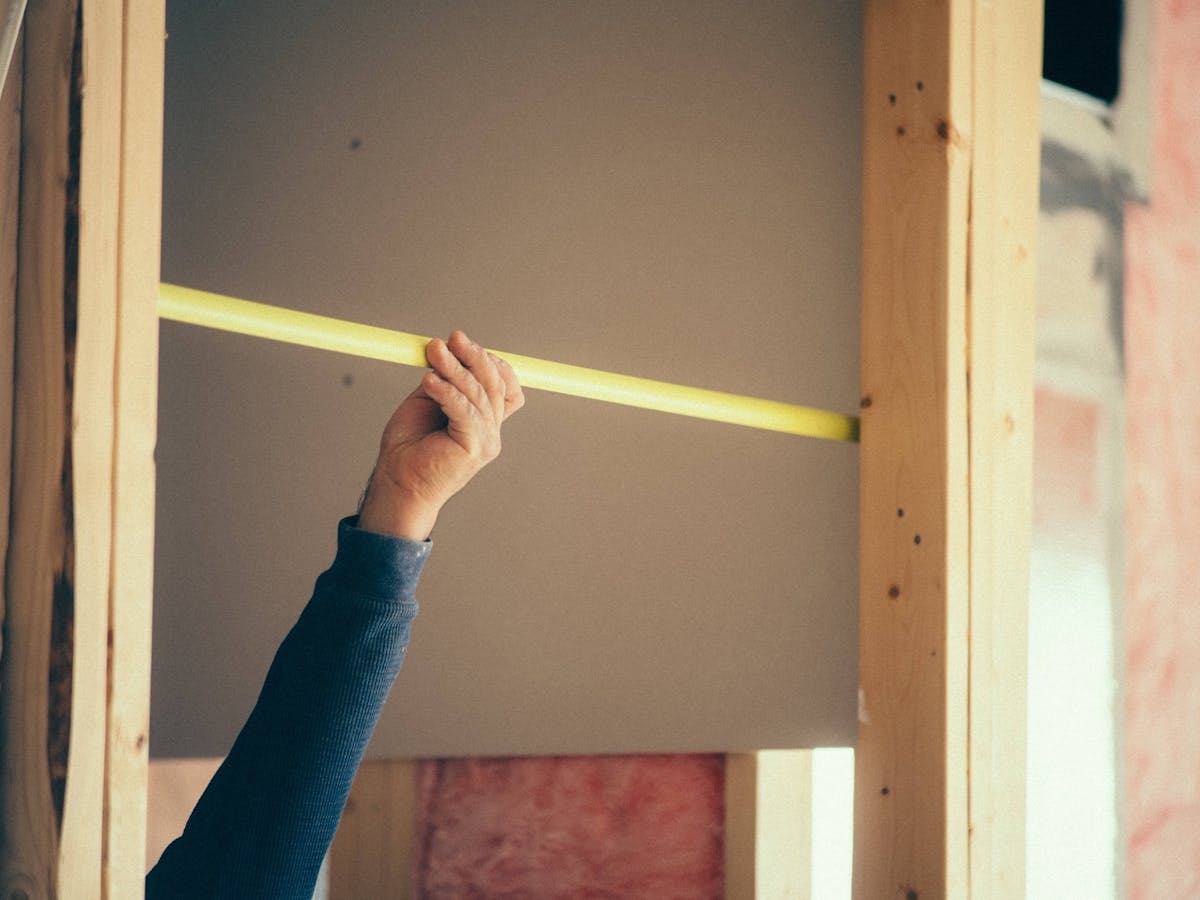
Measurements in frame. Use a tape measure or ruler in your close-up shots, or use a LiDAR camera to capture site measurements digitally for even more precise documentation. Adjusters need scale; measuring ensures there’s no confusion about the size and extent of the damage.
During: Work in Progress
Document every phase of the repair.
Demolition and removal. Photograph damaged materials after demo but before disposal. Show what you pulled out and why it couldn’t stay.
Hidden damage revealed. Once you open walls or lift flooring, capture anything the initial assessment missed: hidden mold, structural damage, corroded pipes.
Materials and methods. Take photos of the replacement materials still in packaging with visible labels. This confirms you’re using approved products.
Milestones. Document each completed phase: framing, plumbing rough-in, insulation, drywall, primer, etc.
After: Completed Work
Prove the job was done right.
Matching wide angles. Shoot from the same spots as your “before” photos. This makes comparison easy for adjusters.
Finished details. Close-ups of new materials installed: fresh drywall seams, sealed joints, properly finished surfaces.
Clean and functional. Show the space is ready for use with no mess left behind and no incomplete work remaining.
The Angles That Matter Most
Camera position and framing affect how clearly damage shows up in photos. Certain angles give adjusters the perspective they need to assess severity and approve your scope of work.
Not all photos carry the same weight with adjusters. Prioritize these angles:
Eye-level straight-on shots. Stand at normal height, face the damage directly. This is how people naturally see a space. Don’t get fancy with dramatic angles.
Corner-to-corner room shots. Position yourself in one corner, shoot to the opposite corner. Do this for all four corners. It documents the entire space efficiently.
Overhead for floors. When documenting water damage, buckled flooring, or foundation cracks, shoot straight down. Overhead shots show the full pattern of damage.
Close-ups at 45-degree angles. For textured damage like mold growth or fire charring, shoot at a slight angle with good lighting. It shows depth and severity better than head-on shots.
Common Photo Mistakes That Delay Claims
Even with hundreds of photos, claims get rejected if key details are missing or unclear. These common mistakes cost you time, create unnecessary back-and-forth with adjusters, and can lead to payment delays from insurance companies or denied insurance claims.
Poor lighting. Dark photos hide damage. Take photos during the day for optimal lighting. If that’s not an option or you’re in a dark space, use your phone’s flash or bring portable lights. Adjusters can’t approve what they can’t see clearly.
No context. A close-up of water damage means nothing without a wide shot showing which room it’s in and how far it extends.
Blurry shots. Take an extra second to let your camera focus. Rushed, blurry photos get rejected.
Missing timestamps. Most cameras can add this automatically, but you need to enable the GPS and timestamp feature in your camera settings. Adjusters need to know when the damage occurred and how quickly it progressed.
Inconsistent naming. Dumping 200 photos with the same title into a folder creates chaos. Organize or tag photo files by the room or area they were taken in and by the repair phase they are in.
How to Organize Photos for Fast Approval
Submitting 300 random photos in a single folder wastes everyone’s time. A clear folder structure and naming system helps adjusters find what they need. Meeting documentation requirements upfront prevents underpaid claims and reduces the need for supplement negotiations later.
Adjusters don’t have time to hunt through disorganized files, and neither do you when they call with follow-up questions weeks later. Make their job easy while protecting yourself:
Group photos by project phase. Separate your initial assessment photos from work-in-progress shots and completed work. This lets adjusters quickly find what they need without scrolling through your entire job timeline.
Organize within each phase by location. Whether it’s by room, floor, or affected area, consistent location-based grouping helps adjusters understand the full scope of damage in each space.
Use descriptive file names. Generic image numbers mean nothing to an adjuster reviewing their twentieth claim of the day. Include the location, type of damage, and phase in each filename so anyone can identify what they’re looking at without opening the file.
Add dates to your organizational system. For projects with progressive damage or multi-day work, include dates in your folder names or file structure. This creates a clear timeline that supports your claim.
Include a simple index or summary. A one-page document that lists what’s in each section and why it matters takes five minutes to create but can save hours of back-and-forth questions. Think of it as a table of contents for your photo documentation.
This organized approach also makes it easier if you need to upload documentation to Xactimate or other estimating platforms that carriers require. Good construction photo management streamlines both your claim submission process and helps avoid insurance disputes.

Tools That Make Documentation Easier
You don’t need professional camera gear, but a few simple tools make photo documentation faster and more reliable. These basics help you capture clear, credible evidence every time.
You don’t need expensive equipment. Your phone camera works fine. But a few tools help:
Portable LED work lights. Good lighting is non-negotiable. Use your phone’s flashlight for quick shots, or invest in an affordable rechargeable work light for longer jobs and darker spaces.
Measuring tape or laser measure. Keep it in every photo that shows damage severity.
Moisture meters (for water damage). Photograph the meter’s reading against the affected surface. Visual proof of moisture levels strengthens claims.
CompanyCam. Purpose-built for contractors. Automatically timestamps and GPS-tags every photo, organizes by project, and makes it simple to share documentation with adjusters, carriers, or homeowners. No more hunting through your camera roll. This photo organization software handles photo tagging automatically, making property damage claims and claim settlement faster and easier.
What to Do When Claims Get Stuck
Sometimes claims stall even when your documentation looks complete. When adjusters come back with questions or requests for supplemental documentation, here’s how to respond:
Review what you submitted. Compare your photos against the adjuster’s questions. Did you actually capture what they’re asking for?
Take supplemental photos. If you missed something, go back. One more site visit beats weeks of back-and-forth emails.
Be specific in your communication. Don’t say “see attached photos.” Say, “see the kitchen ceiling water damage photos from the initial assessment showing the entry point of the leak from the failed supply line.”
Document everything in writing. Send follow-up emails summarizing phone conversations. Create a paper trail that protects you if disputes arise and ensures everyone’s on the same page about what was agreed upon.

Documentation That Gets You Paid
Strong documentation is what separates contractors who get paid quickly from those who wait. When you provide clear, organized photo evidence, adjusters can approve your claims confidently and move payments forward without delays.
Take comprehensive photos from day one. Organize them logically. Answer the five key questions (what, how bad, why, scope, progression) with every photo set you submit.
Your camera is one of your most powerful tools for getting claims approved and keeping projects moving forward. Master your documentation process, and you’ll build a reputation as an accountable contractor adjusters trust and who makes the claims process smooth for everyone involved.
Frequently Asked Questions
How many photos should I take for an insurance claim?
There’s no magic number, but quality matters more than quantity. Focus on comprehensive coverage: wide shots of every affected area, close-ups of all damage, and documentation of the source. For a typical water damage claim, you might need 30 – 50 photos. For larger or more complex jobs, you could need 100+. The key is capturing enough to answer all five questions adjusters ask without overwhelming them with redundant images.
Do I need to take photos before starting any work?
Yes, always. Photos taken before you touch anything are critical for proving the initial condition and scope of damage. Even if you’re doing emergency mitigation work, take comprehensive photos first. If you absolutely must stabilize the situation immediately (like stopping active water intrusion), photograph the source and affected areas as quickly as possible, then document everything else before proceeding with repairs.
What’s the best way to share photos with insurance adjusters?
The best method depends on what the adjuster or carrier prefers. Many accept organized digital folders via email, cloud sharing links, or through platforms like Xactimate. Always ask the adjuster their preferred delivery method upfront. Whatever method you use, organize photos logically with clear file names and include a summary document. Avoid sending hundreds of unorganized photos in a single email attachment because it could slow down the review process.
Can I use my smartphone for insurance claim photos?
Absolutely. Modern smartphones take excellent photos that meet insurance documentation standards. The key is making sure you enable timestamps in your camera settings, use good lighting, and keep your lens clean. Take a moment to review each photo before moving on to ensure it’s clear and in focus. For most restoration jobs, a smartphone camera is all you need.
What should I do if the adjuster says my photos aren’t enough?
First, ask specific questions about what’s missing. Adjusters usually need particular angles, closer detail shots, or documentation of areas you didn’t capture initially. Go back to the site and take exactly what they’re requesting. Respond quickly. The faster you provide supplemental documentation, the faster your claim moves forward. This is also why it’s smart to take more comprehensive photos upfront, so you can avoid extra site visits.


