

EAS Environmental LLC specializes in asbestos and lead removal, working alongside its parent company EAS Homes on projects that demand exacting documentation. The work involves multiple parties on every job: an insurance adjuster, their supervisor, the homeowner, a mitigation professional, and EAS as the demolition contractor.
“There are so many hands in the pot,” said Spencer Turner, EAS Vice President. With that many stakeholders tracking the same project, photo documentation isn’t optional. It’s the only thing that keeps everyone accountable when something goes wrong.
EAS learned that lesson the hard way before CompanyCam. They understood the importance of photos. They just didn’t have a system that made taking, organizing, and sharing them anything less than a full-time headache.
The Problem: Hours a Day Lost to Photo Management
Before CompanyCam, EAS ran their documentation through personal phones. Four supervisors taking photos across four different projects throughout the day — all timestamped at the same time, all mixed together in the same camera roll. At the end of the day, someone had to go through every photo and figure out which project it belonged to. Then wait for them to download. Then organize them. Then send them to whoever needed them and wait for those to download again.
Spencer’s head supervisor was spending two to three hours every single day on this process alone:
- Downloading photo albums from personal phones onto iCloud
- Organizing photos by the time they were taken across multiple projects
- Manually matching photos to the right job when four crews shot simultaneously
- Waiting for downloads every time photos needed to be sent to a client or carrier
- Starting the whole process over when a new batch came in
“It was an absolute nightmare,” Spencer said. The hidden costs of that kind of field-to-office communication gap weren’t just measured in hours. They showed up every time a photo was missing when it mattered most.
What CompanyCam Changed From Day One
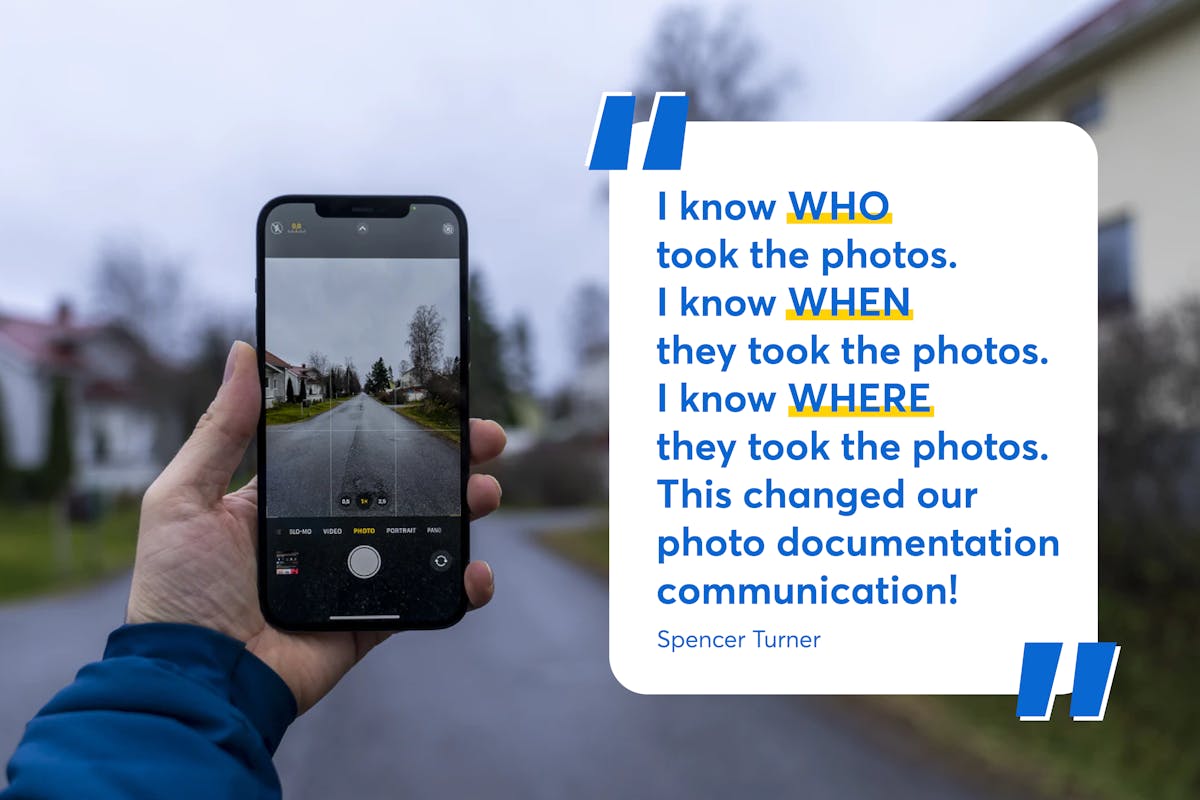
When EAS moved to CompanyCam, the photo problem disappeared. Every project is now individual and geolocated. Spencer shows up at an address, opens CompanyCam, and the app recognizes his location. He creates the project, adds a title, and he’s ready to document. Photos taken on site upload automatically to the right project without anyone sorting, downloading, or transferring anything.
The tag feature became EAS’s secret weapon for staying organized across complex, multi-room remediation jobs. Spencer tags photos as they’re taken, indicating what room they’re from, what condition the space is in, and what work needs to happen there. By the time a supervisor arrives after him, the photos are already organized and annotated. Everyone starts the job on the same page without a single phone call. Using tags and labels to stay organized is the feature Spencer credits most for the consistency EAS now has across every job.
The $35,000 Story
The single most consequential moment CompanyCam created for EAS happened on a large apartment complex job. A fire in one unit had damaged nine surrounding apartments, all of which needed to be gutted down to the studs. EAS had keys, the units were empty, and they had mold. Every condition matched the other apartments in the scope.
One unit wasn’t included in the scope. EAS didn’t know that. They started demo.
“We demoed almost that entire apartment before the mistake was caught,” Spencer said. What followed could have been a $40,000 loss. Instead, EAS went back through their photo documentation and found photos of the mold, the roof damage, and the conditions inside that unit taken before any work began. They used that documentation to get the work covered under the original claim.
“That went from being a $40,000 mistake to about a $4,000 mistake,” Spencer said. “Instead of having to replace the entire apartment, all we had to do was replace the plumbing and light fixtures. Having good documentation literally saved us about $35,000.”
How CompanyCam the EAS Operation Day to Day
Beyond protecting against major losses, CompanyCam changed how EAS manages active jobs in real time. Spencer monitors crew progress throughout the day by watching photos come in. When he tells his crew they should have a certain amount of work done by 10:30 AM, he can check CompanyCam to see where they actually are without driving to the site.
If someone is behind, he calls. If something looks wrong, he addresses it immediately. “Or if I notice on CompanyCam that someone is demoing a kitchen that wasn’t part of the scope, I can call them and say ‘Holy moly stop what you’re doing.’ ” That kind of real-time oversight is what tracking construction job progress without driving to every site looks like when it actually works. The photo reports that used to take hours now take five seconds. Spencer selects the photos, brands the report, and sends it to the client. “It takes me five seconds,” he said. “It looks beautiful and professional. I don’t have to do anything to it except put it together.”
The Case for CompanyCam
EAS Environmental works on jobs where a missing photo can cost tens of thousands of dollars and a well-organized project can save the same amount. Spencer has seen both sides of that equation, and his position on CompanyCam is unambiguous.
“Get off the fence now, yesterday,” he said. “CompanyCam is a no-brainer. Tell them to roll the dice, pay the $19 bucks, and thank me later.” The $35,000 they saved on one project paid for years of subscription. The three to four hours a day they got back from photo management paid for the rest.