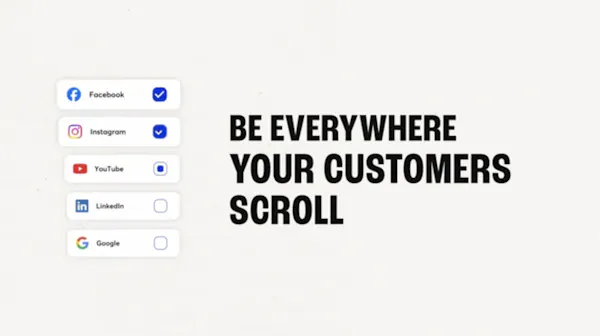
Get your work seen everywhere your customers scroll.
Social Media
Post consistently without thinking about posting.
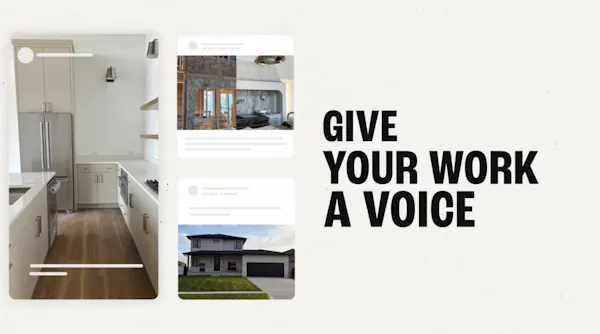
- Turn job photos into reels, carousels, and posts
- Get custom captions written for you, every time
- Schedule months of posts in one sitting, then see what’s landing
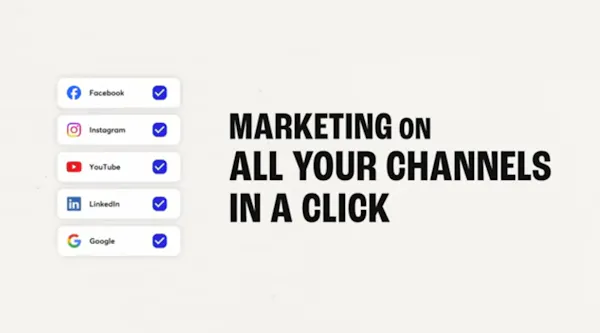
- Stay visible, without the extra logins
Google Business Profile
Show up where your customers are searching.
- Rank higher when customers search nearby
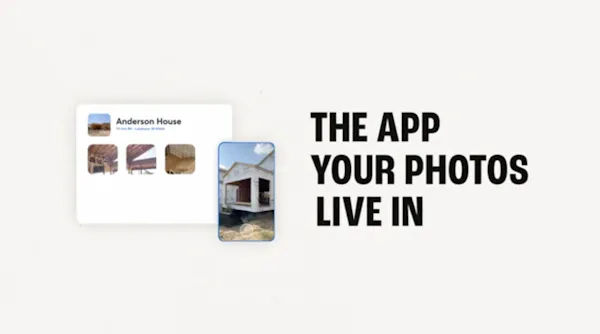
- Push job photos straight to your Google Business Profile
- Keep hours, address, and business details accurate
- Manage your GBP from CompanyCam, one less login
Reviews
Turn every finished job into 5-star proof.
- Referrals still win jobs, they just start with a search now
- Ask for reviews right when the job wraps
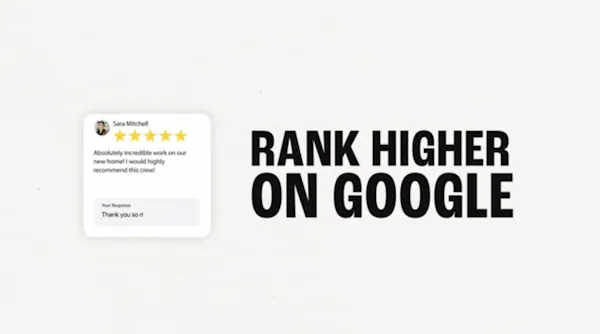
- Rank higher in local search with every new review
- Read and reply to every review in CompanyCam
Local SEO
Master local SEO, without learning SEO.
- Every post and every review feeds the same local ranking
- Get a strength score on your profile, plus what to fix
- Show up when someone is ready to hire
- Get found nearby, without the guesswork
Portfolio
Show proof of work, that never goes stale.
- Photos sitting on a phone aren’t doing anything for you
- Put all your best work behind one portfolio link
- Embed everything right to your website
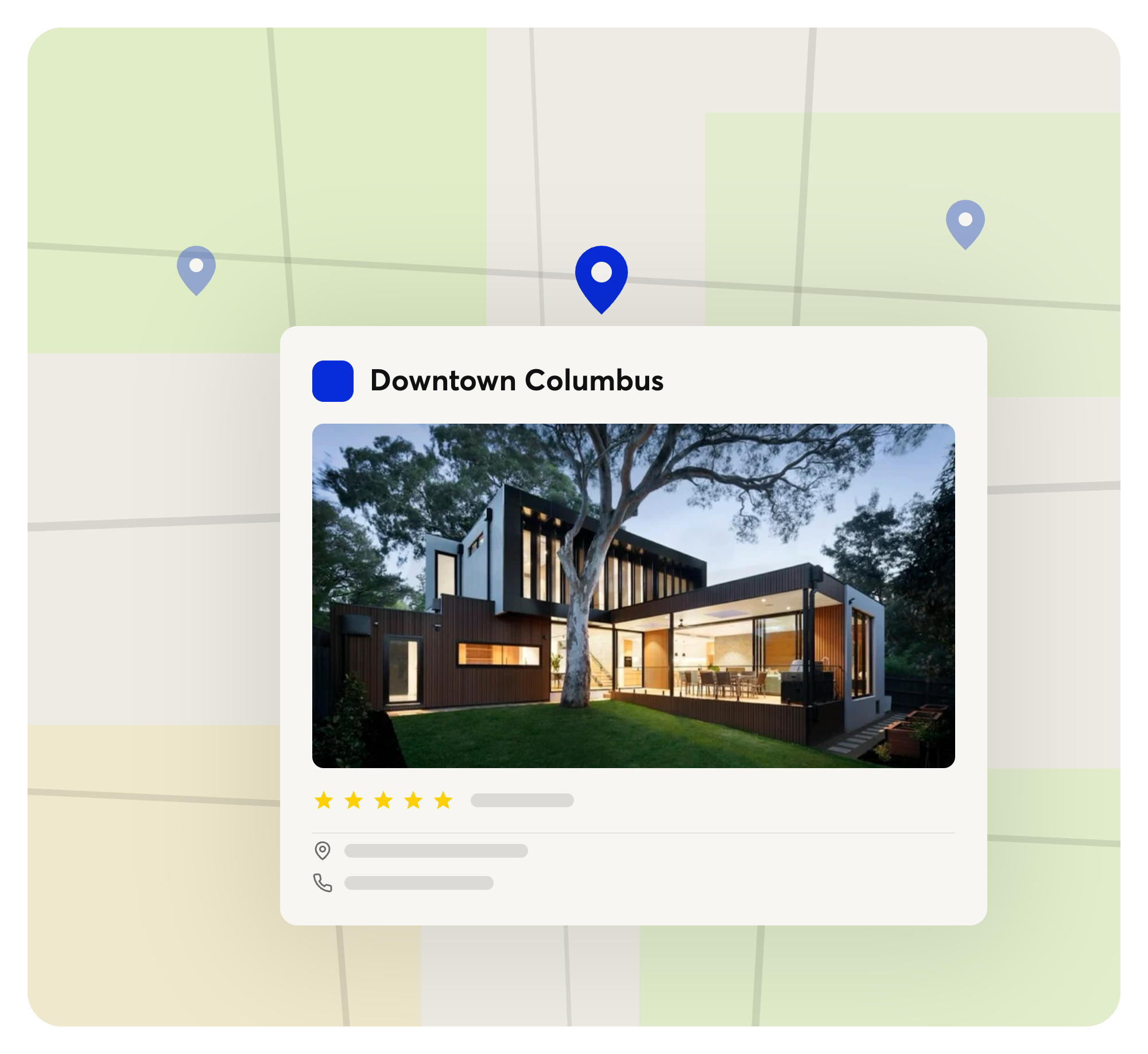
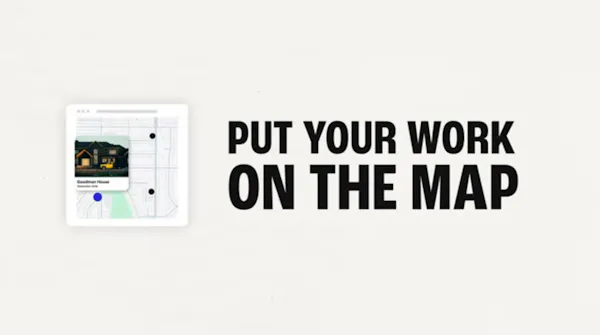
- Show homeowners the jobs you’ve done on their street via an interactive map
Locations
Built for every market you're in.
Every location gets its own Google Business Profile, brand profile, and social accounts, managed from one login and consistent everywhere.